Shiori, A Novel Bookmarking App
A minimalist bookmarking app with useful AI, summaries, emails, and X bookmarks.
Bookmarking apps are a cursed category. So many attempts, so many failures. Remember Pocket? Omnivore? All buried under the sands of indifference.
And I can see why. It’s a hard category to break through and an even harder one to make sustainable. Users want the service, but hardly anybody wants to pay for it. Readwise Reader, which I’ve used for the last 3 years, has achieved a lot, but it also costs a lot and still feels like opening an airplane control panel sometimes. Safari technically has a Reading List, but I never figured out how to actually archive items in it.
Which is why I was really enamoured by Shiori, a new app from Brian Lovin. On the surface, it seems extremely simplistic, but as Steve Jobs said, “design is how it works”, and Shiori operates very uniquely.
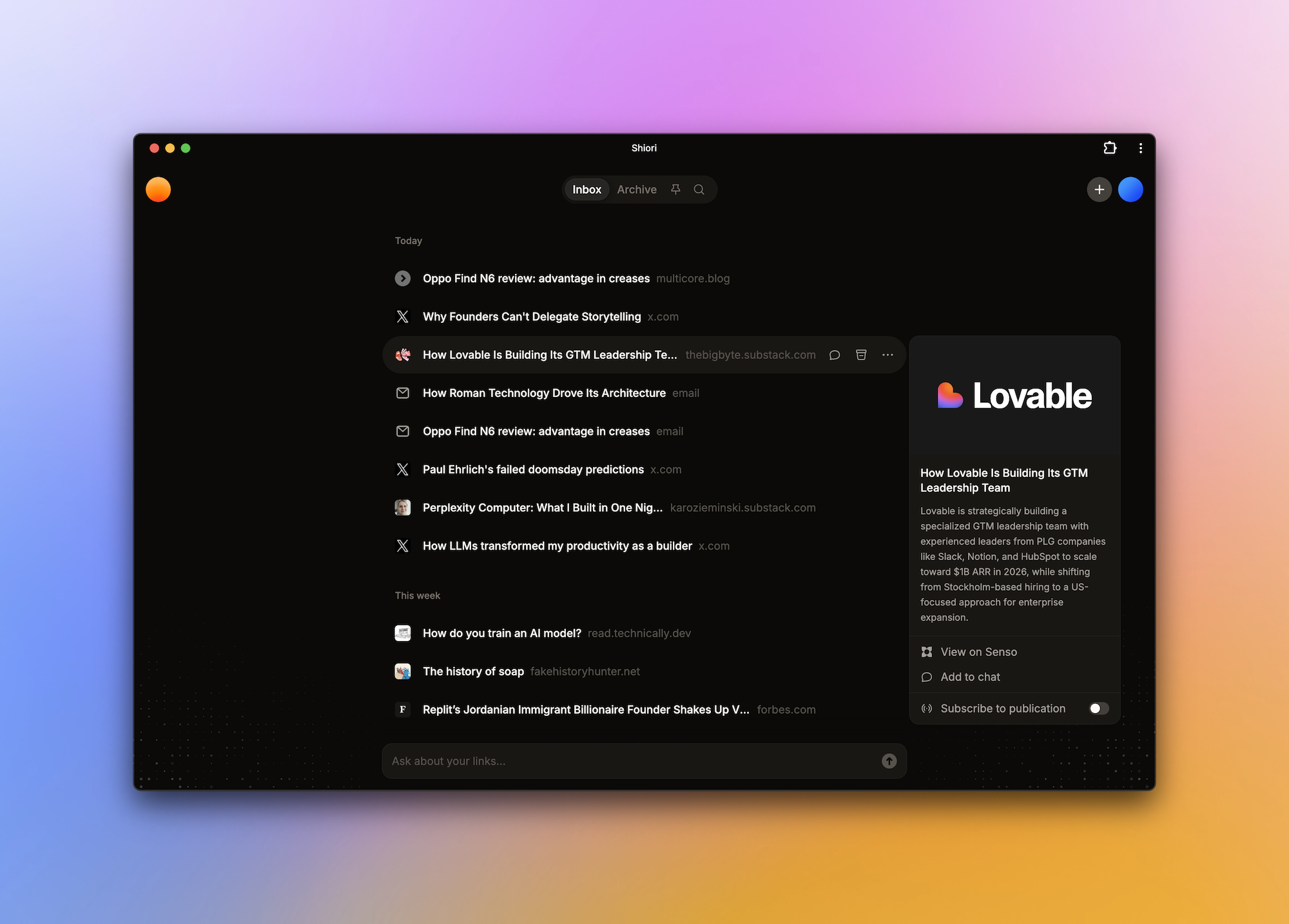
On the surface, it’s just a list of links that you saved. There’s no text extraction other than a minimum distilled description. Click a link and read it in the browser. Which might already be a good environment for this. You can turn on Safari’s Reading Mode or if you use Chrome, feel free to install Readr, my reader mode extension that simulates it. But Shiori does know what’s inside those links. You can use its AI to chat with any link or all of them, ask questions, or summarize.
If a website from which you saved the link has an RSS feed, you can subscribe to all updates right within Shiori and get new articles. Found a Substack post that you liked? You can follow the author right from there. It’s a beautiful reimagination of the feed. Very few people use RSS these days, and even fewer know what it is. Shiori makes it simple. This is what I mean by a truly beautiful, unique design. Not just the way this app looks, but how it actually works, its features, their logic, the interactions.
And if you prefer email newsletters, Shiori provides you with a personal address that you can forward anything to, either separate emails or set up a filter for entire categories, and read them inside the app. You can also just upload files, like a PDF.
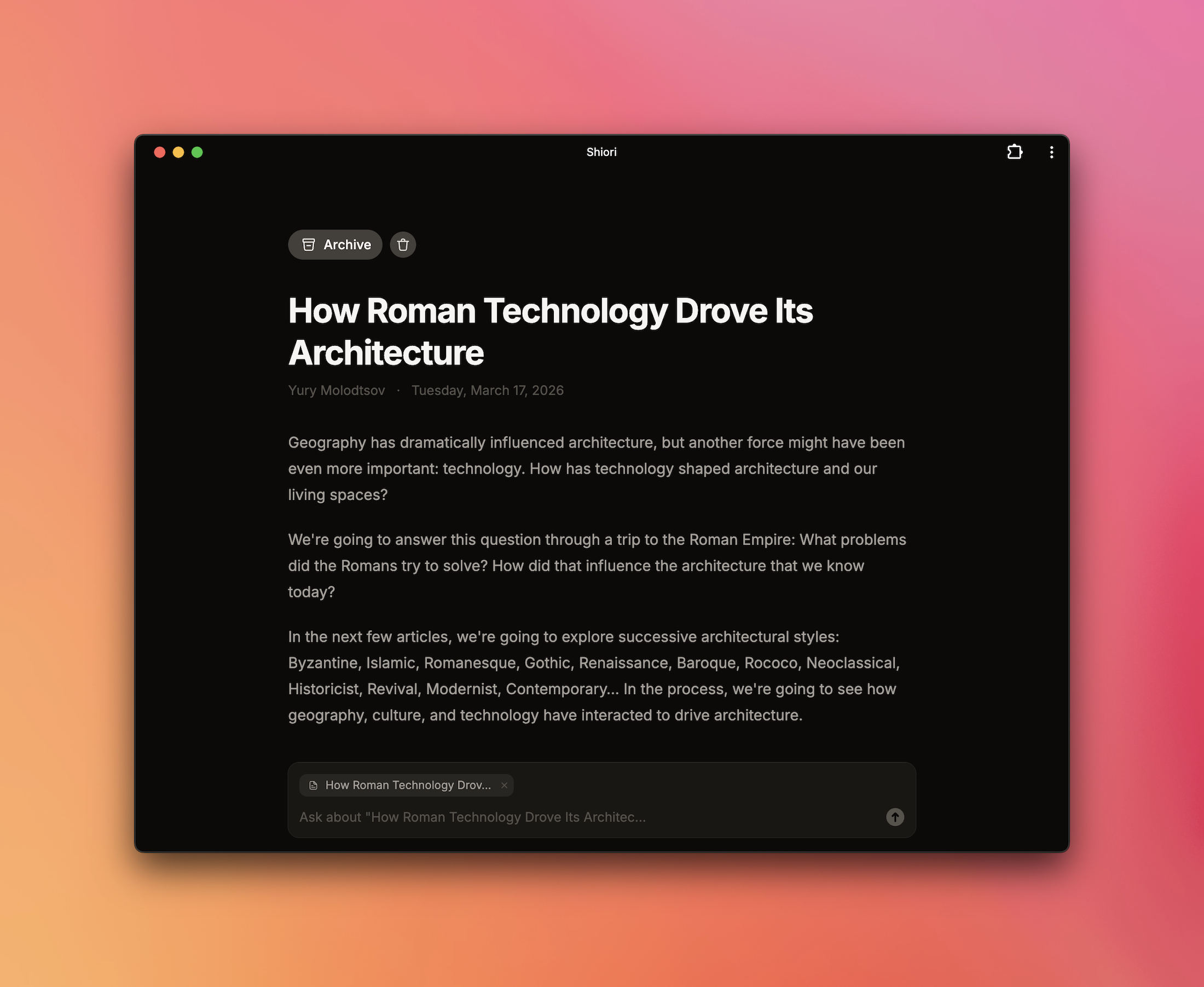
Bookmarking tweets on X is like stuffing factoids into a file cabinet. You will never open it again. Shiori auto-saves new X bookmarks and summarizes them so you can easily remember the context. And there’s a global search on top of this.
Shiori doesn’t necessarily have apps, but it’s a Progressive Web App that you can install in Chrome and Safari and on iOS and Android. And there’s a Chrome Extension and an iOS shortcut that make saving new links seamless.
You can import links to Shiori and you can export data from it if needed; there’s also a Notion connector. And, as a truly modern app, it has an MCP server that you can connect to your agent (like Claude Code) and do whatever you want with those links.
Shiori offers a generous free tier with unlimited links, along with two paid tiers. Here’s what’s locked behind each of them:
- $3: richer content extraction, such as YouTube transcripts, file upload, audio transcription, and color themes
- $10: AI chat, X bookmarks auto-sync, Notion sync, email forwarding
I still use Readwise Reader, since my entire history is saved there, along with specific quotes and highlights, which are then resurfaced through Readwise — this is probably the most important part that ensures I actually learn something from this hoarding. But now I mostly use it for long-form texts I wanted to read sometime and prefer Shiori for everything else, such as the links I find for Five Finds.