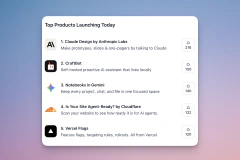
Readr, Safari-like Reading Mode for Chrome
Added Twitter and YouTube support to my reading extension.
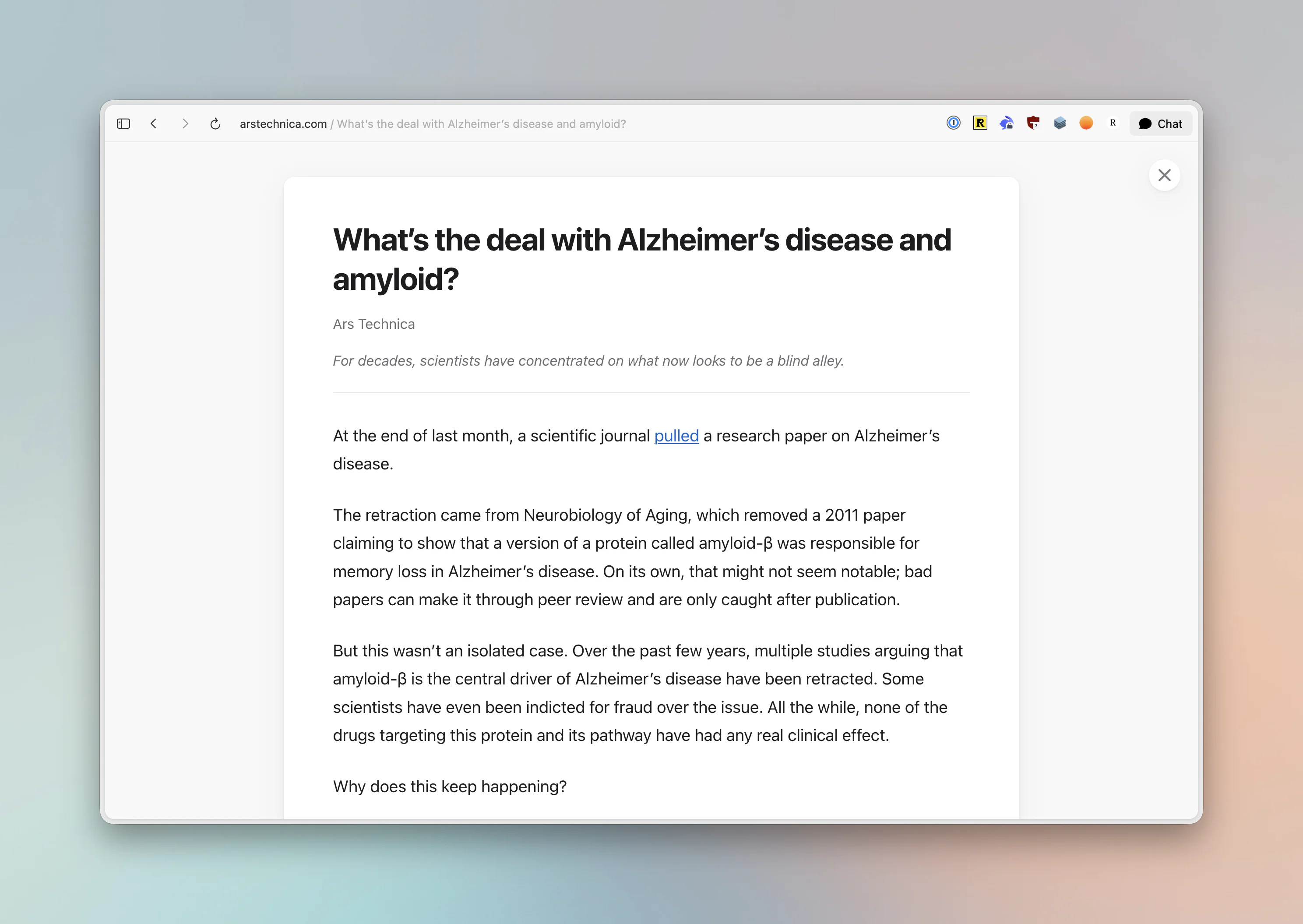
One thing that Safari does well is its Reading Mode. The people who built it are brilliant, and no other browser can truly match the beauty and seamlessness. But I prefer Dia (or any other Chromium-based browser to Safari, really). They don’t have it. Chrome presumably got an update, but so far, I’m still not seeing it.
Which is why a few months ago, I built and released Readr, a reader mode extension for Chrome. I’ve been using it basically every day since then and made countless tweaks and optimizations. I really enjoy the place where it is right now.
Readr extracts the core text from most web pages, with images, videos and other media content. It’s not perfect but any time I find a website where it fails I dig in and figure out the heuristics to fix it.
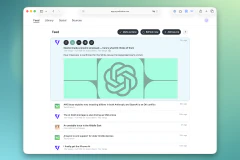
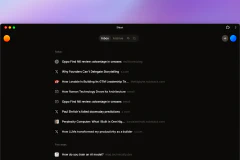
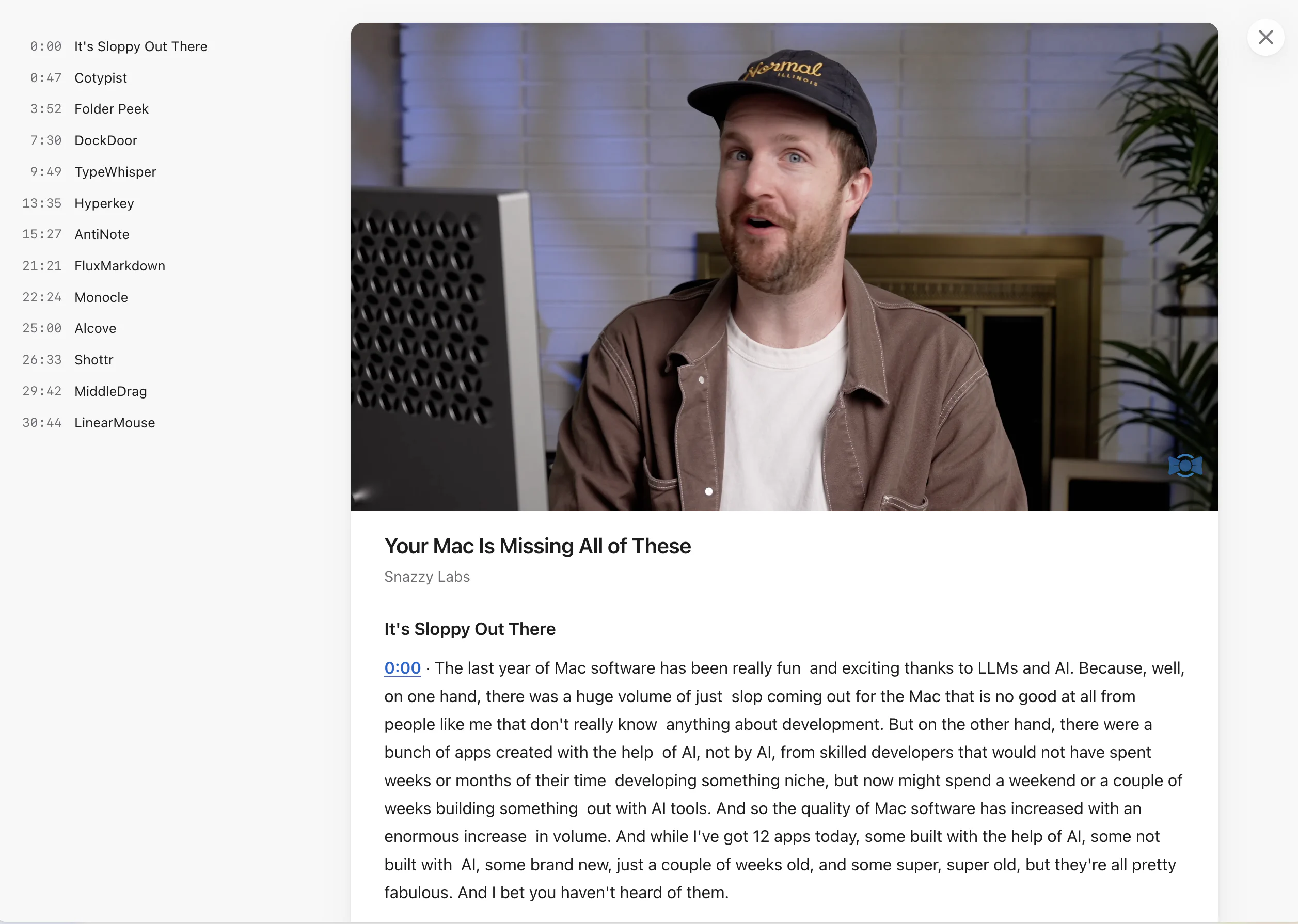
The extension also works on Twitter and transforms any threads into articles that you can easily skim with no UI noise. And in the last update, I added support for YouTube. Readr can now extract chapters and transcripts with clickable timer marks from videos that have those. It’s great for long podcasts where you want to find something specific and jump straight to that place.
Readr is available on the Chrome Web Store.
If you liked this article, subscribe to get new content right in your inbox! I run a newsletter with five amusingly interesting links on technology, history, and culture.
Recent Posts