The PARA Method To Organize Your Work And Life
The PARA method is the most universal productivity technic. It’s very flexible and can be recreated in any app, whether it’s Notion, Workflowy, Apple Notes, Things 3, Roam Research, Evernote, or Todoist.
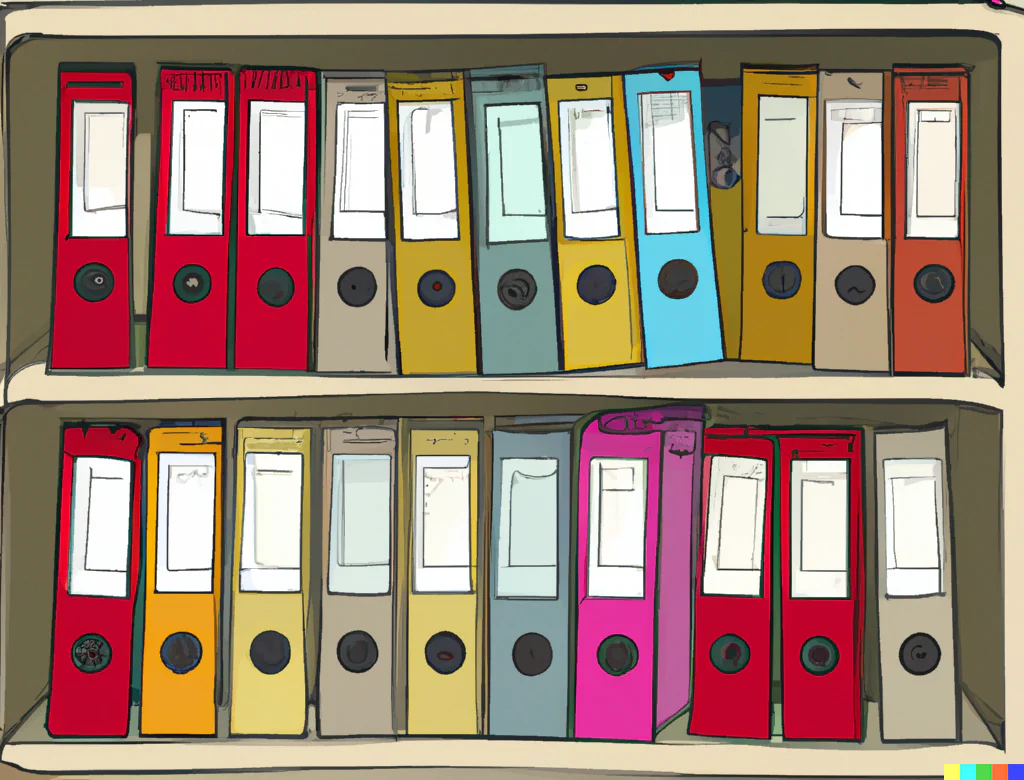
The PARA method, developed by Tiago Forte, is probably the most universal productivity technic you could use. It’s very flexible and can be recreated in any app, whether it’s Notion, Workflowy, Apple Notes, Things 3, Roam Research, Evernote, Todoist, etc. This makes it different from Getting Things Done, Bullet Journal or any other specialized methodology. PARA doesn’t force you to use any particular app.
But the best thing about PARA is that it immediately clarifies where to put stuff and how to find it later.
There are other advantages as well:
- It creates strong distinctions between actionable projects with deadlines and more general things you might have.
- It incentivizes documenting and going over various areas of your life to ensure you move forward.
What Is PARA
P.A.R.A. stands for Projects — Areas — Resources — Archives, the four top-level categories that encompass every type of information you might encounter in your work and life.
Think of it this way:
- A project is “a series of tasks linked to a goal, with a deadline.”
- Projects contain the things you access most often. Something you aren’t planning to finish shouldn’t be a project.
- An area of responsibility is “a sphere of activity with a standard to be maintained over time.”
- Like “Health”, “Travel”, “Friends”, “Management”, etc
- A resource is “a topic or theme of ongoing interest.”
- Like “Recipes”, “Coffee”, “SEO”, “Watches”, etc.
- Archives include “inactive items from the other three categories.”
- Archives are for the things you don’t want to delete but probably won’t open. You could move anything that lost your interest here or just create entries from scratch to back something up.
The most important thing to understand is the difference between these categories.
“Running 100 miles” is a project. “Running” should be an area or a resource, depending on how important it is for you. Let’s dig into this example. Maybe you consider yourself an athlete, and running is a very big part of your daily life. Then it’s an Area. Or maybe you just run occasionally and want a place to save relevant tips, shoes buying guides, and maps. Then it’s more likely a Resource.
Don’t stress too much, though.
How To Do PARA
As long as the app provides at least one or two layers of hierarchy, you can use PARA.
Note-taking apps are the obvious target here. Where should I put this clip, quote, or a scan of an important document?
Create top-level folders for Projects, Areas, Resources, and Archives. You can then create thematic subfolders in each of them.

Sometimes you need to store files. Some temporary photos, .PSD files you’ve been working on, a backup of the old game save you swear you will use one day.
I use OneDrive as my personal storage, and here’s a screenshot of its main folder.

For a couple of years, I’ve used Workflowy for most of my work, including meeting notes, sketching out messaging points and media strategies, and even keeping certain pitching lists there. And it mostly follows the same logic.

As you can see, in all of these examples, I don’t have the folders or nodes for PARA categories alone. I complement them with something I need in each specific app. I open Recipes too often to keep it hidden in Resources.
You can use PARA for task managers quite easily. For Things 3, you’d create PARA categories as Areas and add subcategories as Projects. In Todoist, categories can be set up as Projects, and then you can use sections or subtasks to build them out in detail. Almost any app would work.
***
With PARA, you always know where to put stuff and where to find it later.